
get started with
Do you need extra help getting set up? Follow the steps below to get started.
Already setup? Click here to learn more about navigating the app.
Take out your kit

Remove medical devices

Store box for later
Watch the video below and then follow the steps to get set up.
Turning on & unlocking
your device
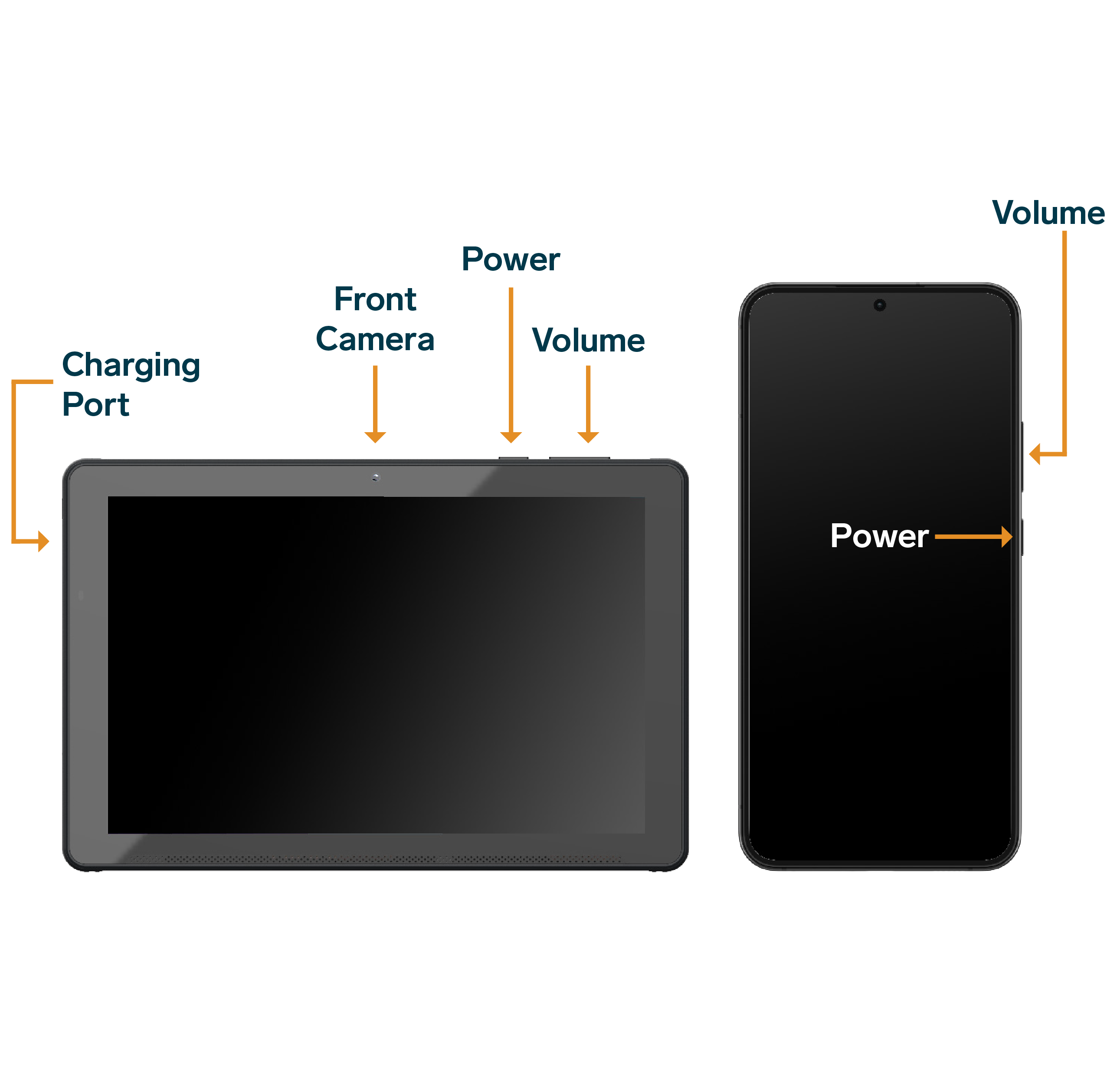
If the device is not charged, take the power cord out of the kit and insert the charging cable into the charging port of the device, and connect the cord to a power source.
Then, hold the power button for 5 seconds until the screen turns on.
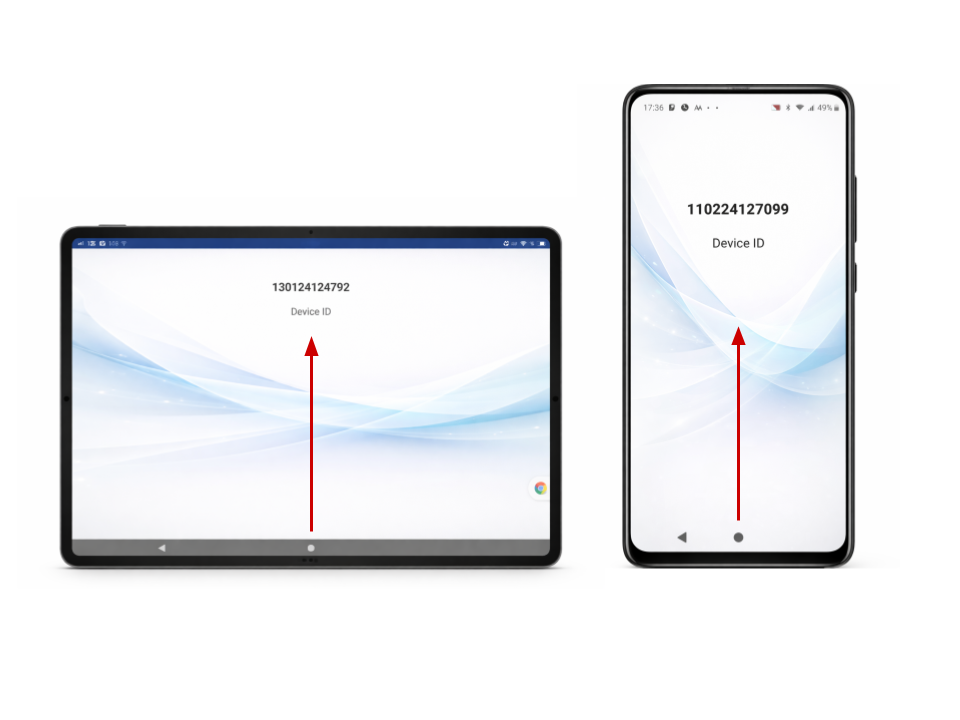
To unlock the phone/tablet swipe up.
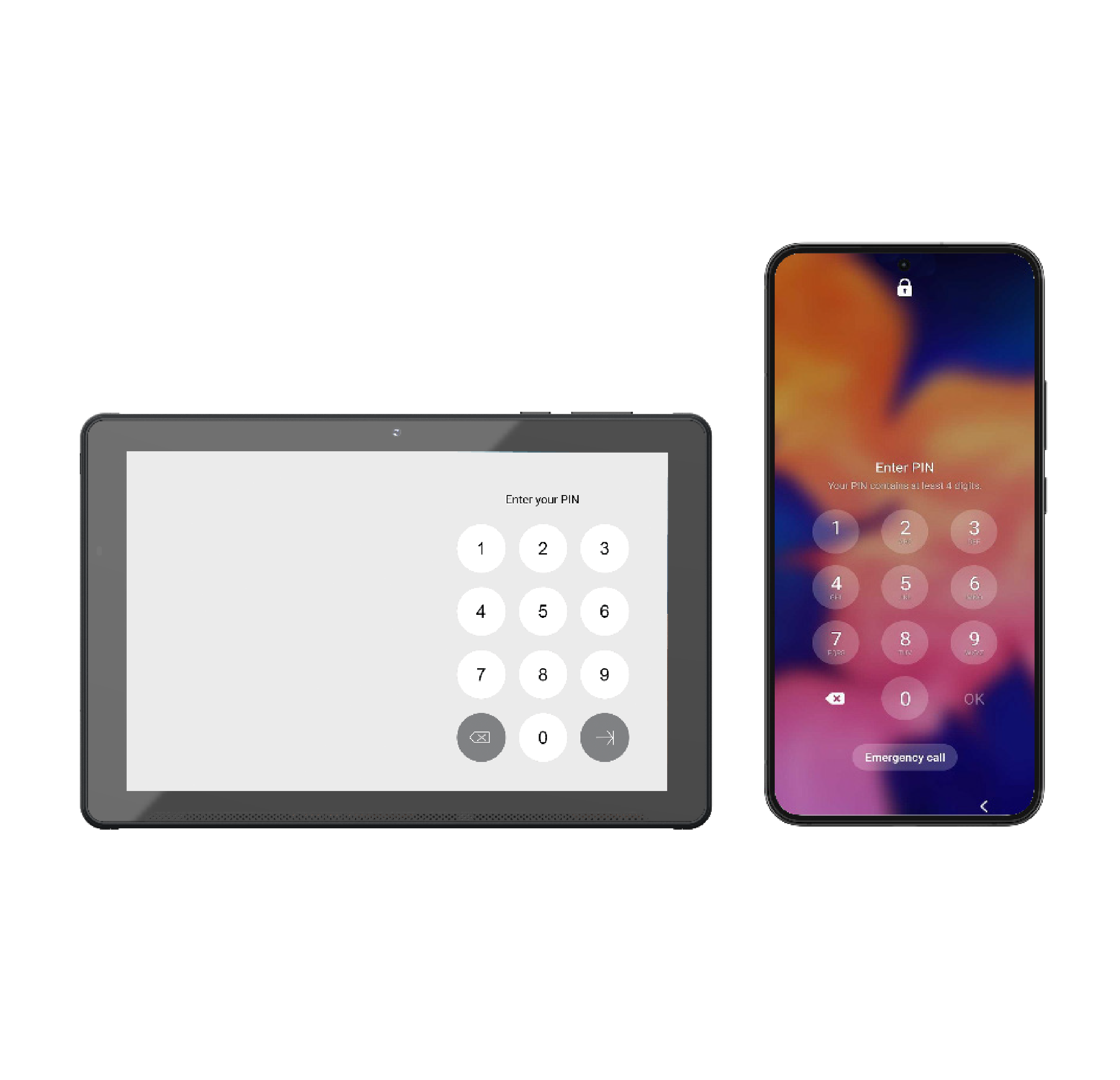
If prompted, enter 1234 on the pin pad and tap the arrow or OK button.
Accessing the App
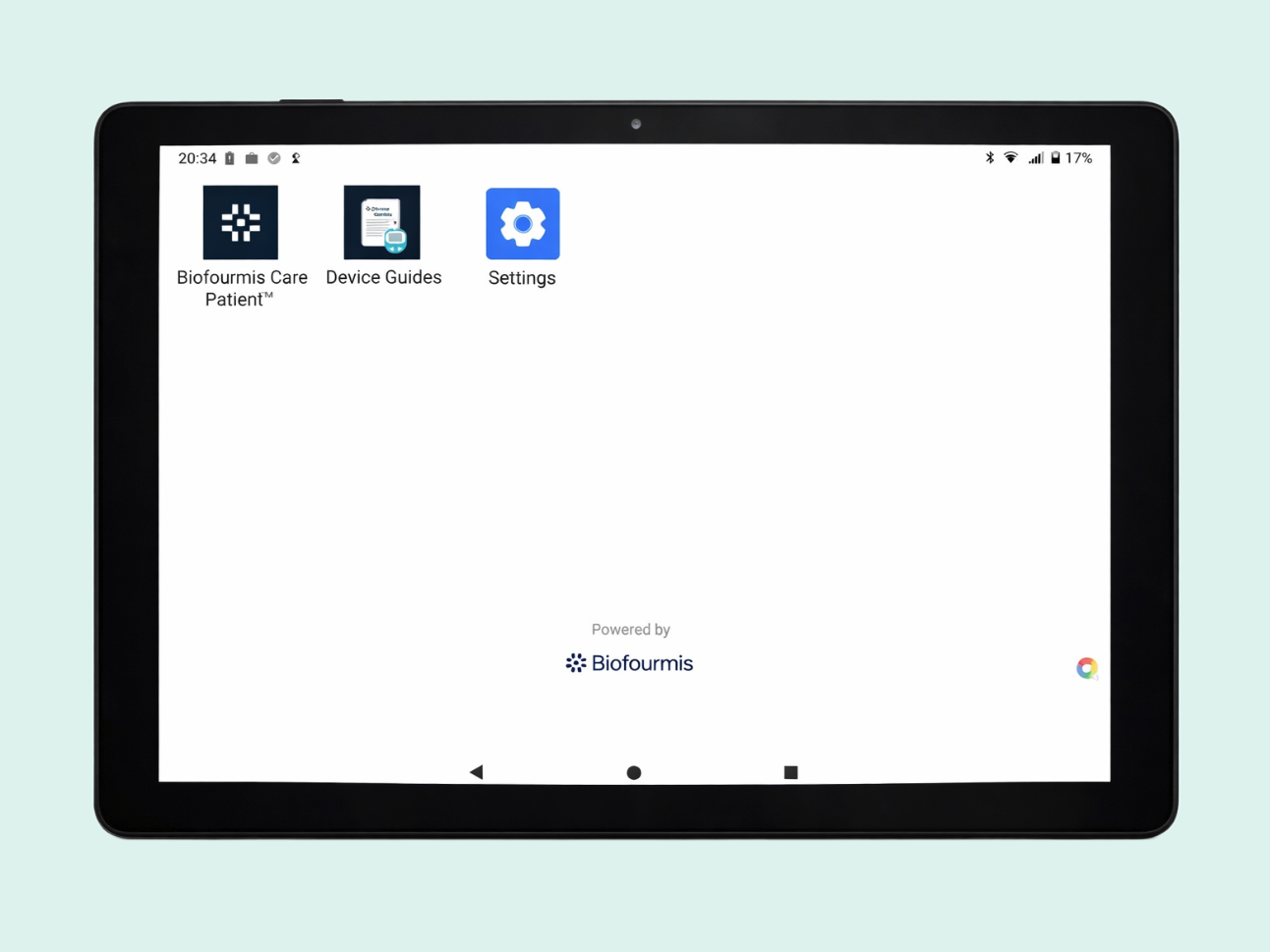
Tap the Biofourmis Care Patient icon to open the application
Log in

Do not continue unless you have received instructions from your care team to log in.
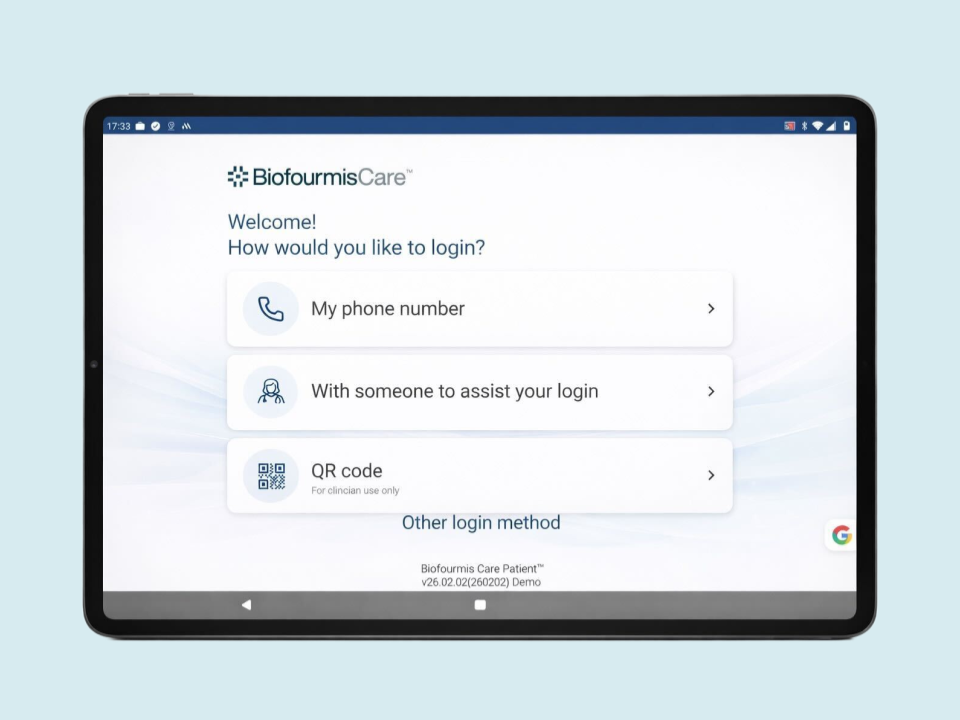
Your care team will instruct you to log in to the app with ONE of the following methods:

Your phone number
The mobile number login may not be available for your program
OR

With a care team member assisting you
Set up devices
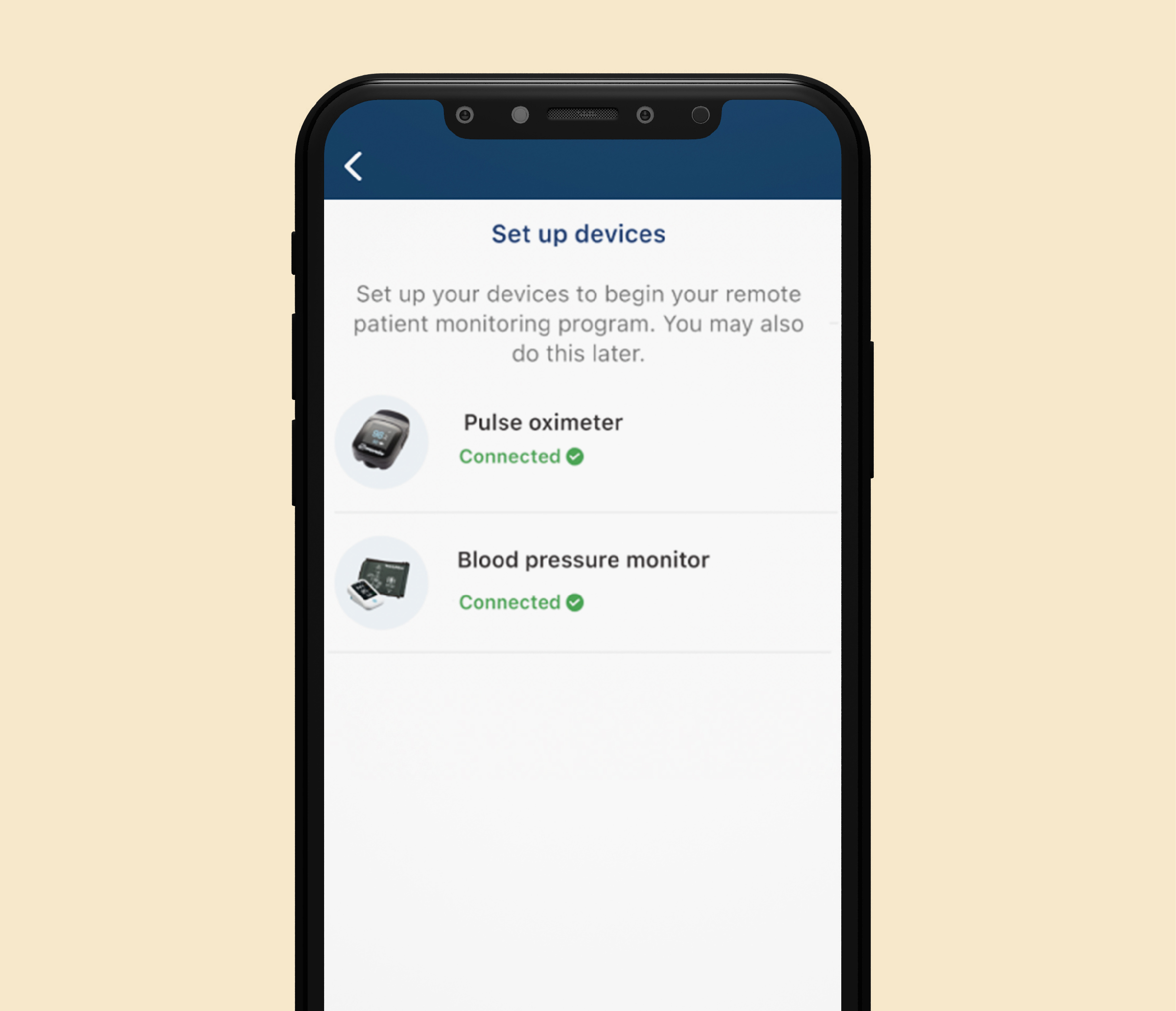
After you log in and select your language, the device set up screen will appear. Bluetooth devices should appear as Connected.
IF connected does NOT display next to a device, tap “Set up” and follow the on screen prompts.
Once all devices are connected, tap Done.
You are now ready to use the Biofourmis Care App.
To learn more about navigating the app click the button below.