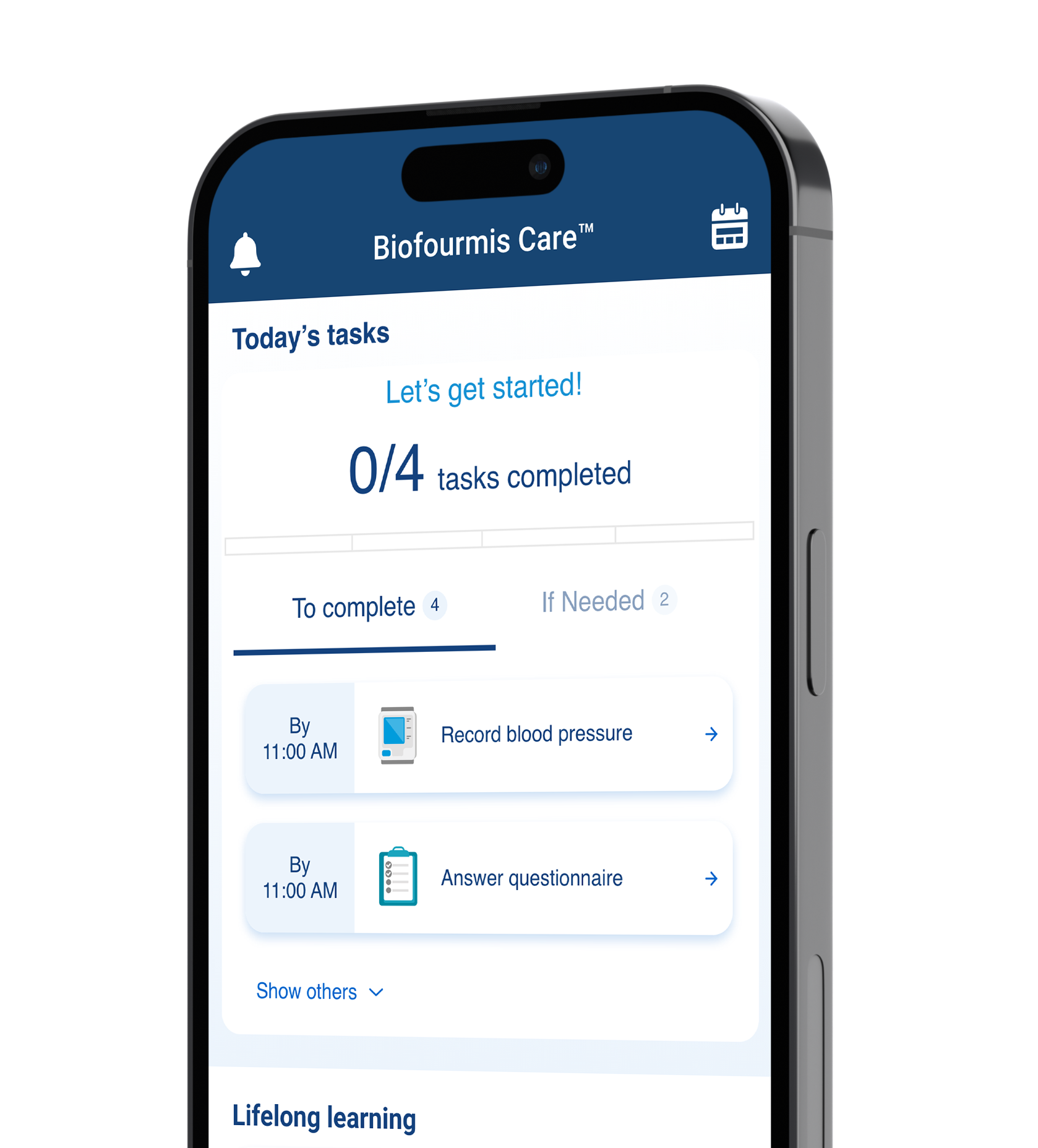
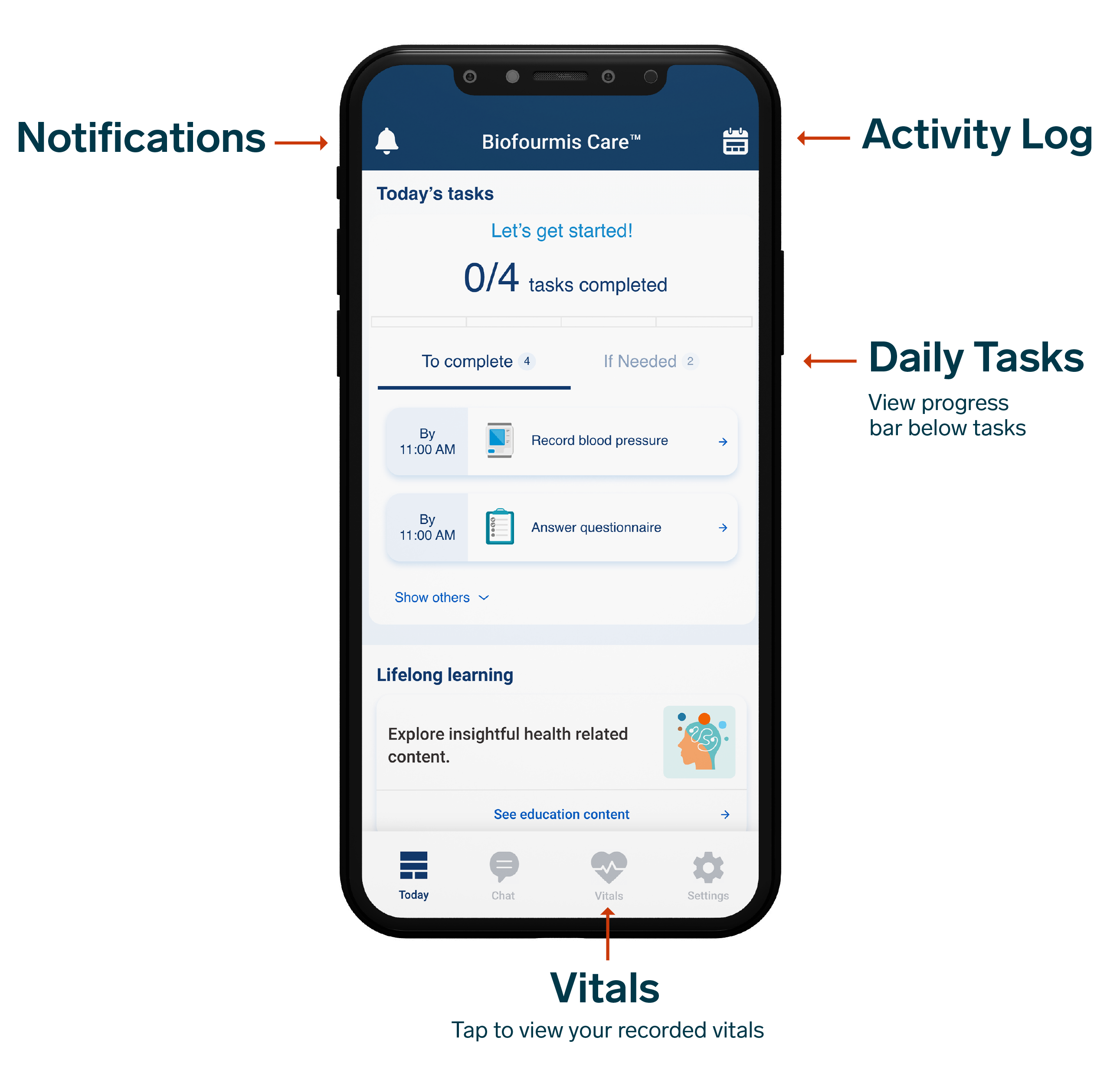
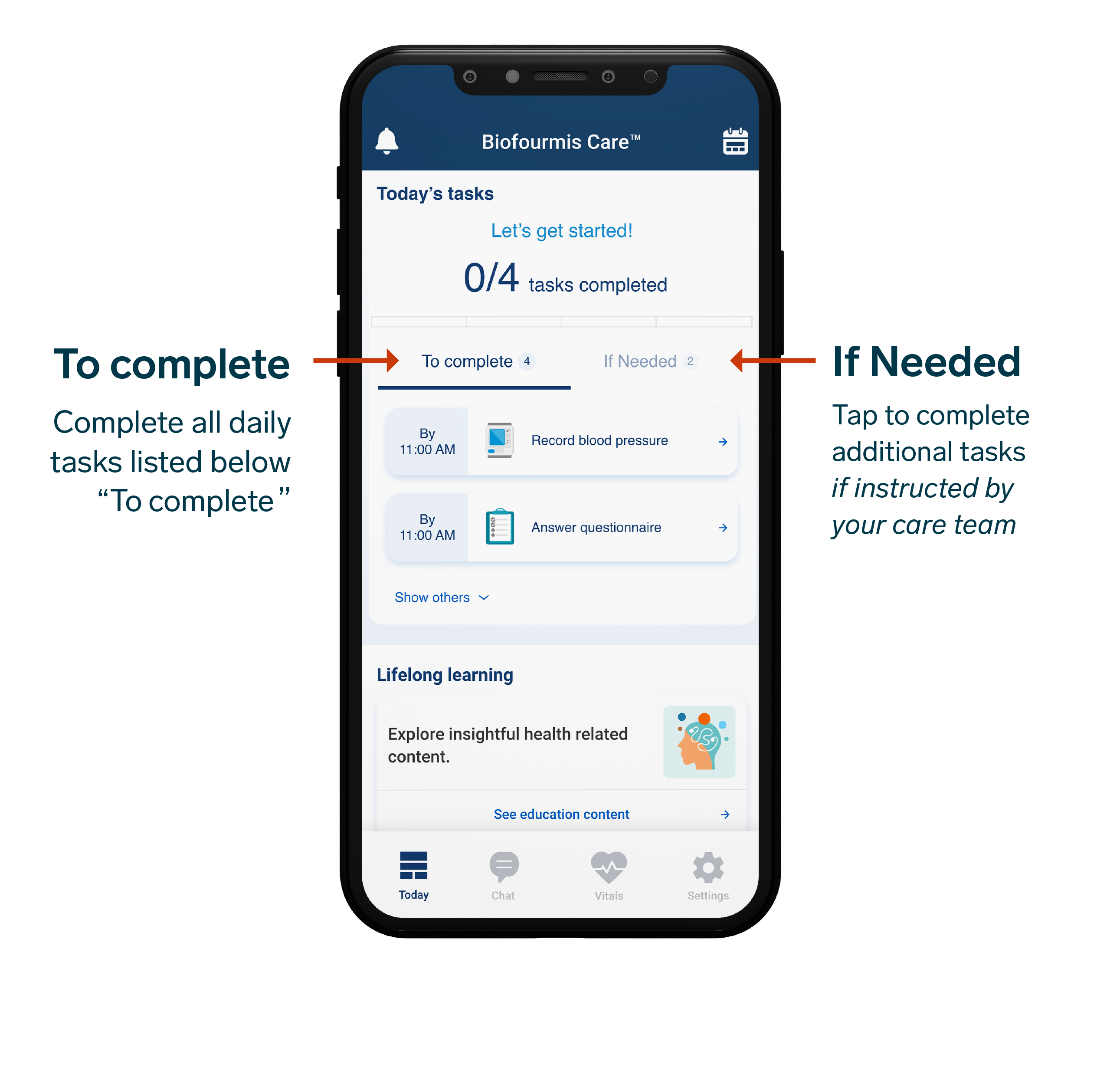
Tap a task under “To complete” to get started. Complete each task by the time displayed next to it.
HOW TO
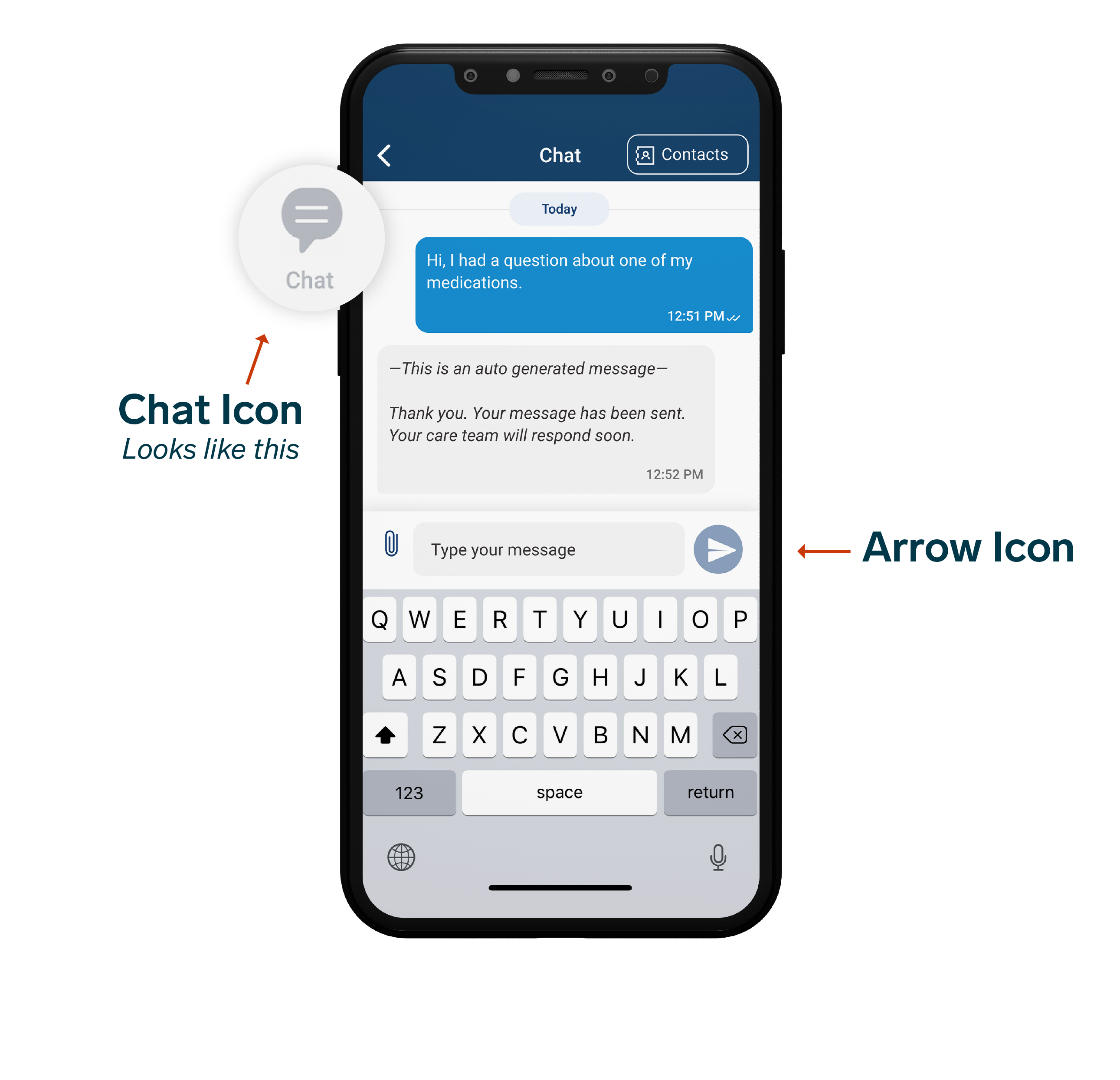
Message your Care Team
Tap the chat icon at the bottom of the screen
Type your message
Tap your arrow icon to send
Device Guides
Below you will find helpful information curated by Biofourmis regarding specific medical devices. To learn how to pair and use these devices explore the guides linked below.