
get started with
Do you need extra help getting set up? Follow the steps below to get started.
Already setup? Click here to learn more about navigating the app.
Take out your kit

Remove medical devices

Grab your phone

Store box for later
Watch the video below and then follow the steps to get set up.
Download the app
Click the button below to be directed to the App Store to download BiofourmisCare Patient app.
Apple App Store >
Google Play Store >


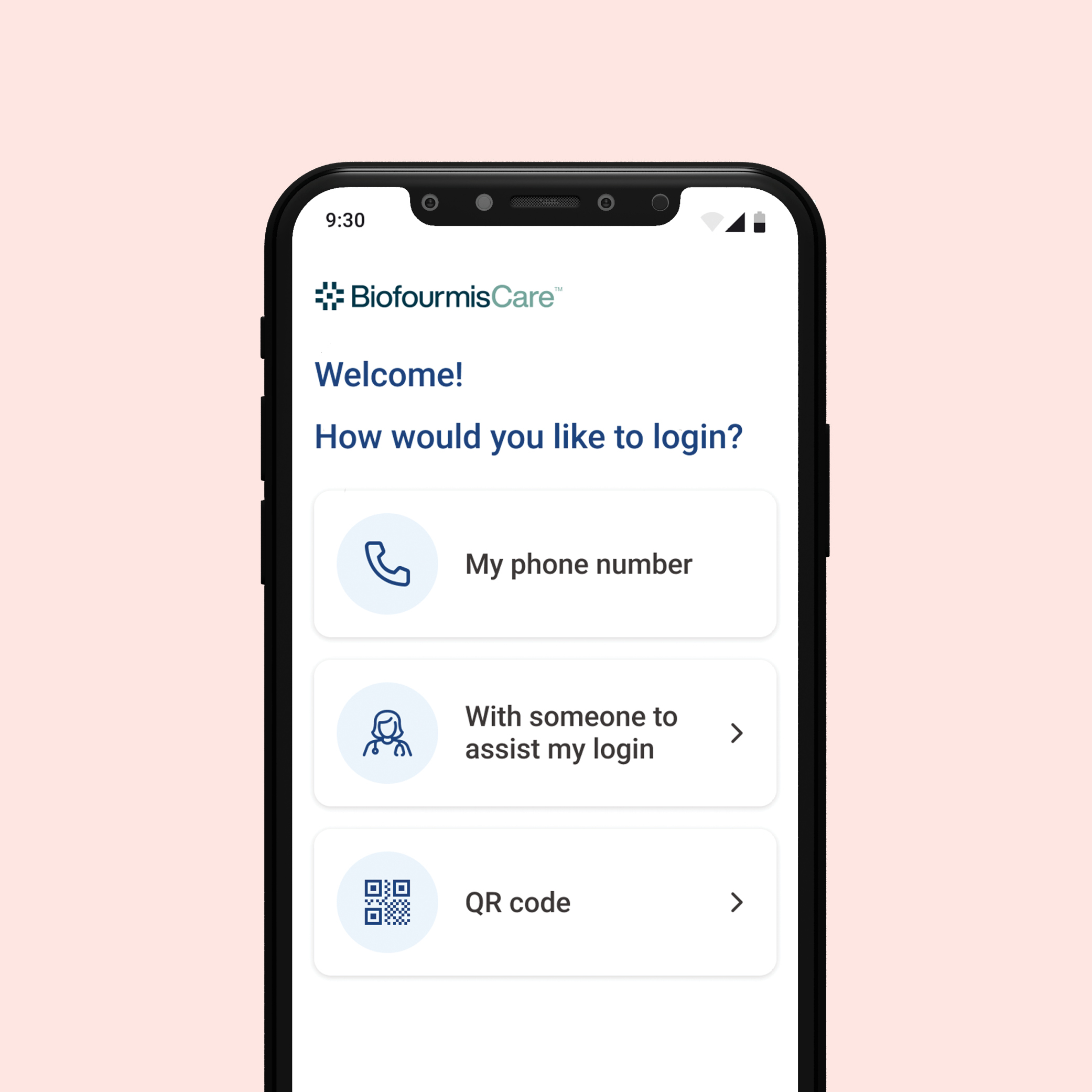
Log in

Only log in if instructed by your care team.
Your care team will instruct you to log in to the app with ONE of the following methods:

Your phone number
OR

With a care team member assisting you
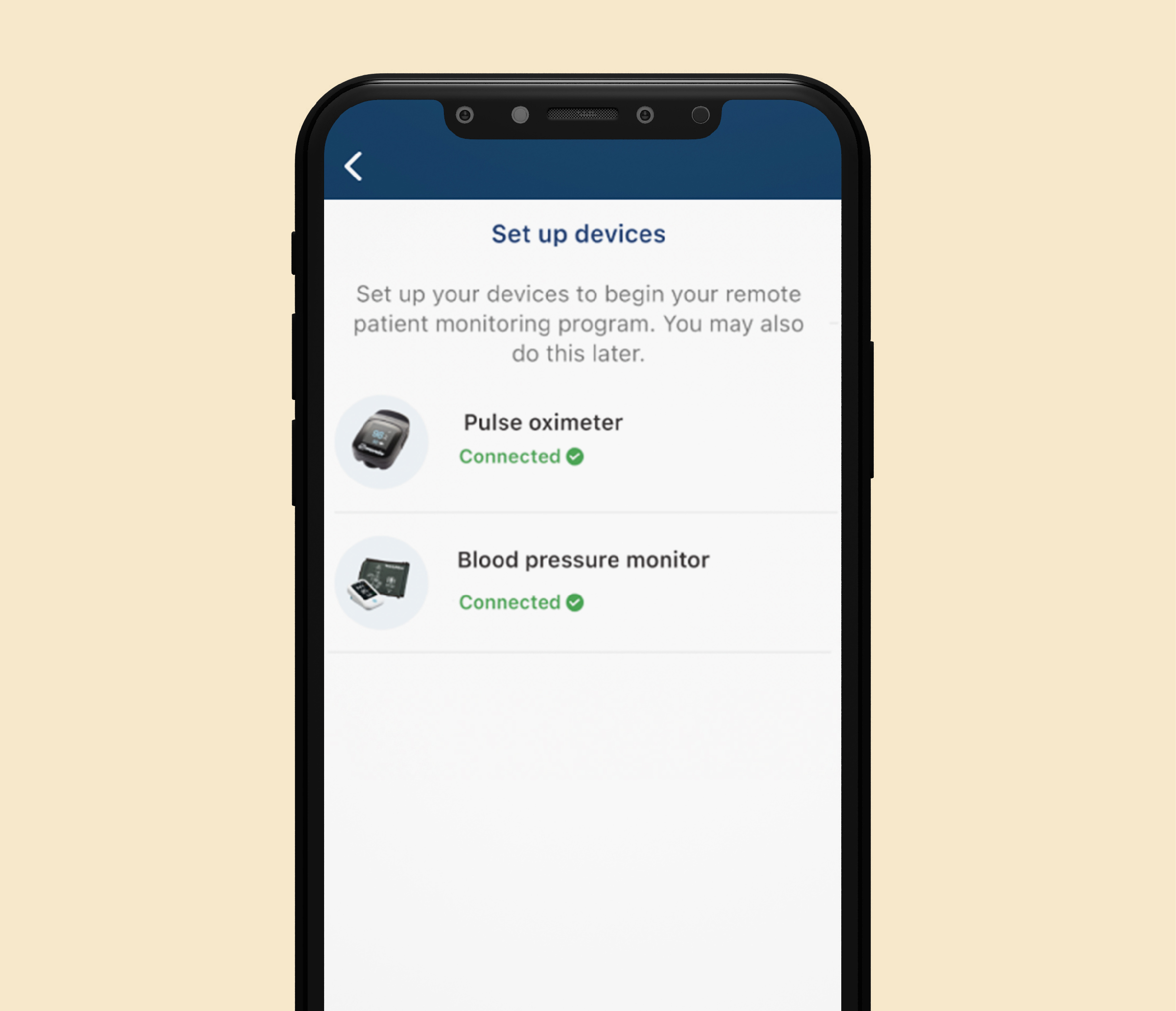
Set up devices
When you first log in to the app, you’ll be asked to set up your devices.
You are now ready to use the Biofourmis Care App.
To learn more about navigating the app click the button below.